Have a Canvas question?
Canvas 24/7 Vendor Support

Have a general IT issue?
VCUIT Support Center,
804-828-2227

Need hands-on help with
Canvas or Kaltura?
LSrequest@vcu.edu
Request Virtual 1:1 or Group Technical Training

Catalog Enrollment with a VCU eID

  1. Go to https://catalog.vcu.edu

  2. Click the Login link located in the top right-hand corner.
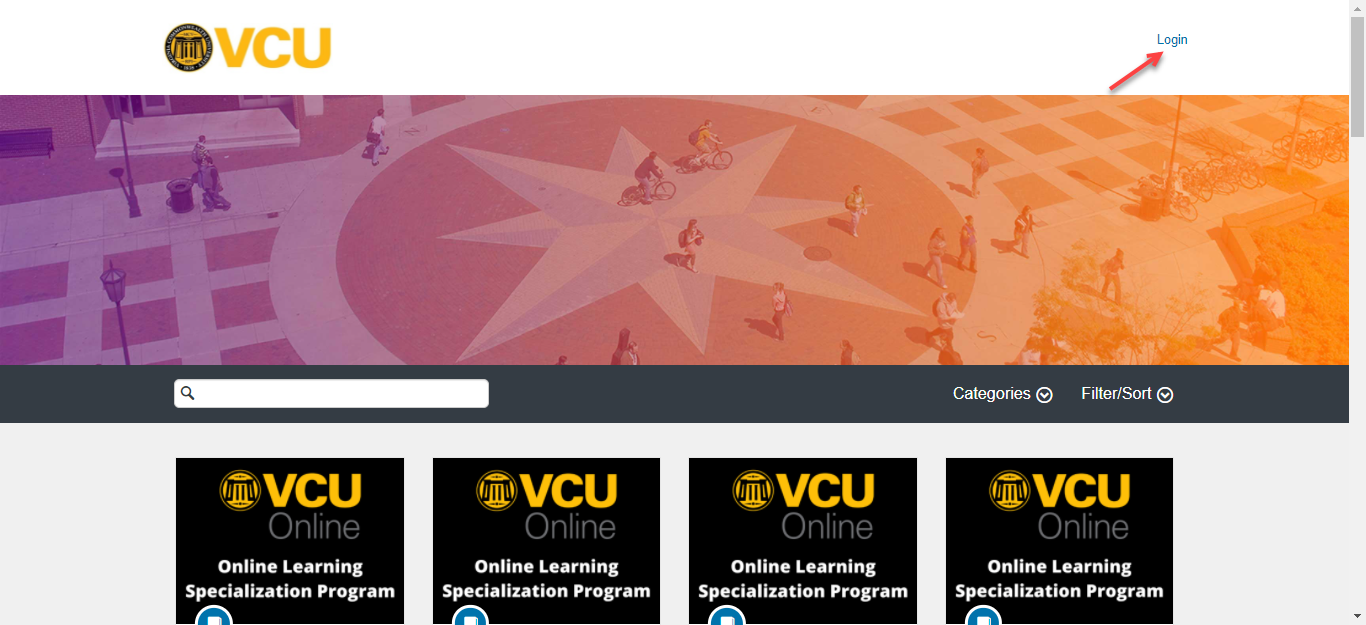
    Catalog Login Link

  3. Login to Canvas

  4. In the search bar, enter the title [or topic] of the desired courses you would like to enroll in [1].
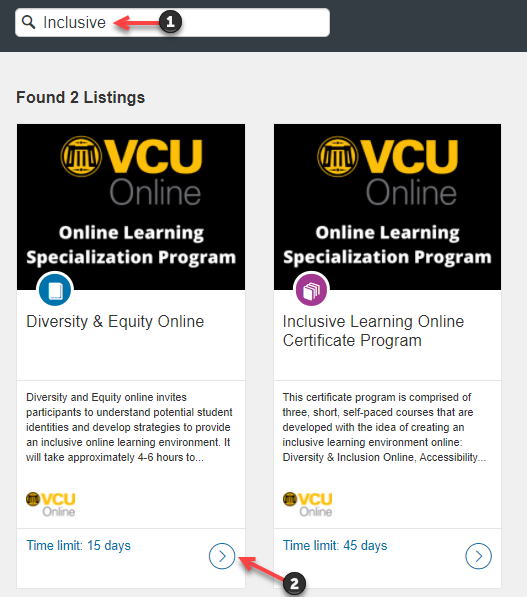
    Search Catalog Course

  5. Once you have found the course, click on it [2].

  6. Click the Enroll button.
    Enroll in Catalog Course Button