View Users in Your Course
The People Page
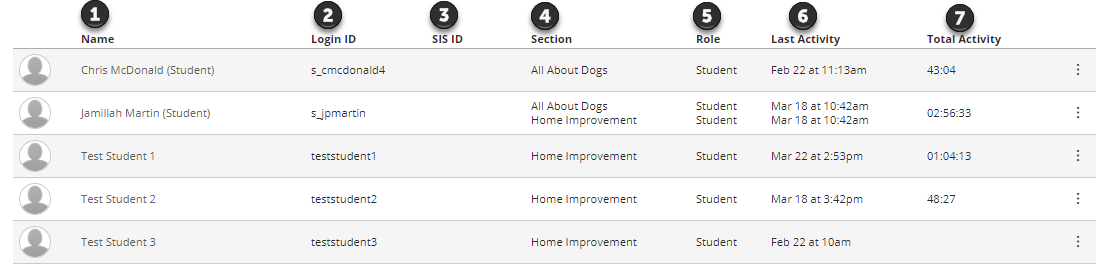
Users are listed alphabetically by last name. Search and filter results display the following:
- The user's name
- Login ID
- SIS ID - this column requires permission to view SIS IDs
- Section - may be enrolled in more than one section
- Role - if the user was assigned a custom role, currently only the base role is displayed
- Last Activity - displays the date and time of a user's most recent interaction in the course. This time stamp updates when a user navigates through the course using the Course Navigation menu, replies to a discussion or submits an assignment or quiz, and when they access course files and pages. Please note that Last Activity does not include mobile interactions or group participation.
- Total Activity - allows you to see how long students interact within a course and counts page navigation only. Total activity time is displayed in hours:minutes:seconds. If a user has not yet reached an hour of activity, total activity time is displayed as minutes:seconds. Total Activity records any time spent viewing course content that exceeds two minutes. If the time between a new activity and the last completed activity is under ten minutes, all time between these two events will also be included. Total Activity does not include group activity or page views for videos that do not include intermediate page requests, such as a half-hour recorded lecture. To view specific page views for a student, view the student's course access report.
Note: Viewing user details, including Login IDs and user email addresses, are course permissions. Depending on your permissions, you may not be able to view all available information in the People page.
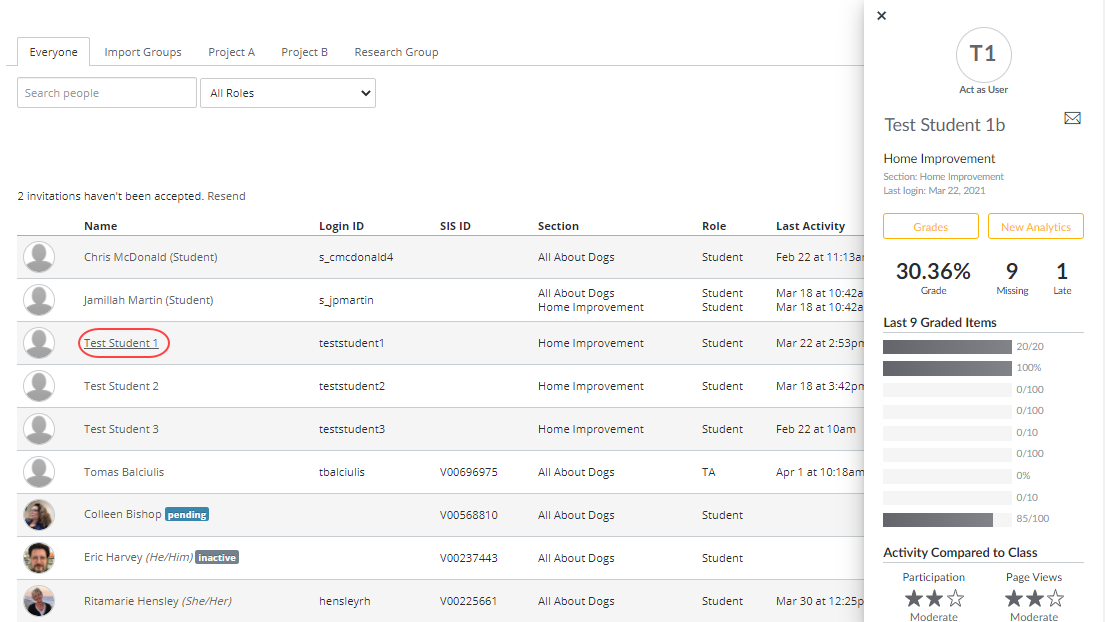
View Context Card
Click the student's name to view their context card.