Have a Canvas question?
Canvas 24/7 Vendor Support

Have a general IT issue?
VCUIT Support Center,
804-828-2227

Need hands-on help with
Canvas or Kaltura?
LSrequest@vcu.edu
Request Virtual 1:1 or Group Technical Training

Kaltura in Canvas

image of a red arrow pointing left To play the video (located to the left):

1. Click the "X" in the upper right corner to close the transcript overlay.  
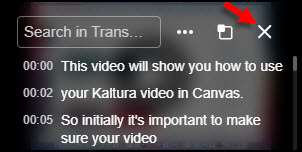
image showing how to close the video transcript overlay

2. Click the play icon to launch the video.
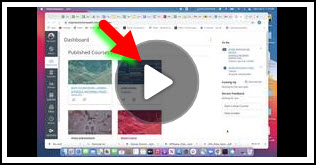
image showing the play icon to launch the video

3. To enlarge the video, click the expand icon.
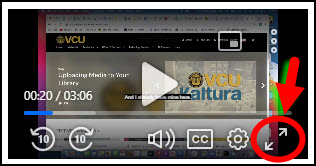
Image showing the enlarge icon that makes the video full screen